


Allocated seating

Perhaps customers would prefer an aisle seat? With the seating plan designer you can recreate an onscreen plan of your venue for customers to choose where they would like to sit.
Our 'orphan seat rule' prevents customers from leaving a single seat between them and the next group, which can be difficult to sell.
Assign wheelchair spaces on your plan and they will display with a wheelchair symbol to advise customers that these are for wheelchair users only.
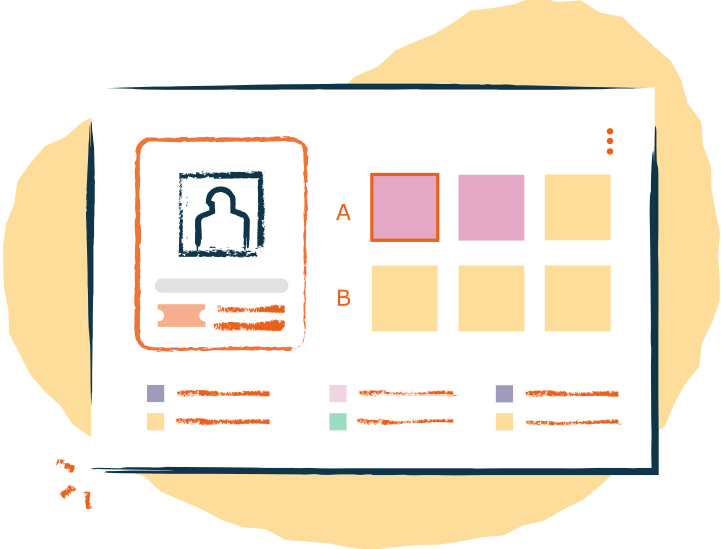
Easily see who has booked which seats and reserve or block seats if needed. The seating plan enables your team to see where customers have chosen to sit and can take in-house transactions without double booking.
Your staff can exchange or refund seats by clicking on the appropriate seat if the customer no longer wants the tickets. This will release the seats for customers to buy online, over the phone or inhouse.
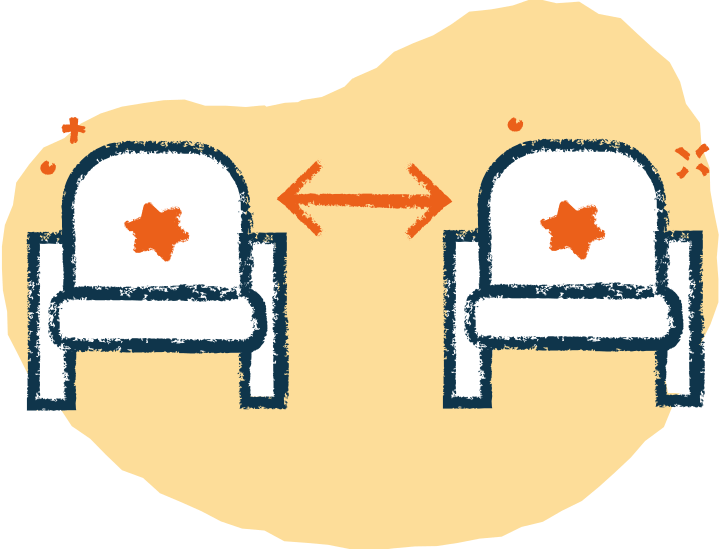
If required, our dynamic social distancing rules provide event organisers with the option to automatically block out the seats surrounding a customer's booking, ensuring audience members are kept at a safe distance from one another during a performance.

Your Front of House report will list all customers who have booked and displays the seats they have chosen alongside their name.
Staff checking tickets will be able to check the report to see who should be sitting where. So if customers have accidentally sat in different seats, your team can quickly locate their booking on the Front of House report to see where they should be sitting.
Learn more about reportsAn easy to use, free online event ticketing system for any type of venue or event. Promote, manage and sell your event tickets online ‐ all for free!
